 Image: engadget.com
Introduction: The XPS Makes a Comeback
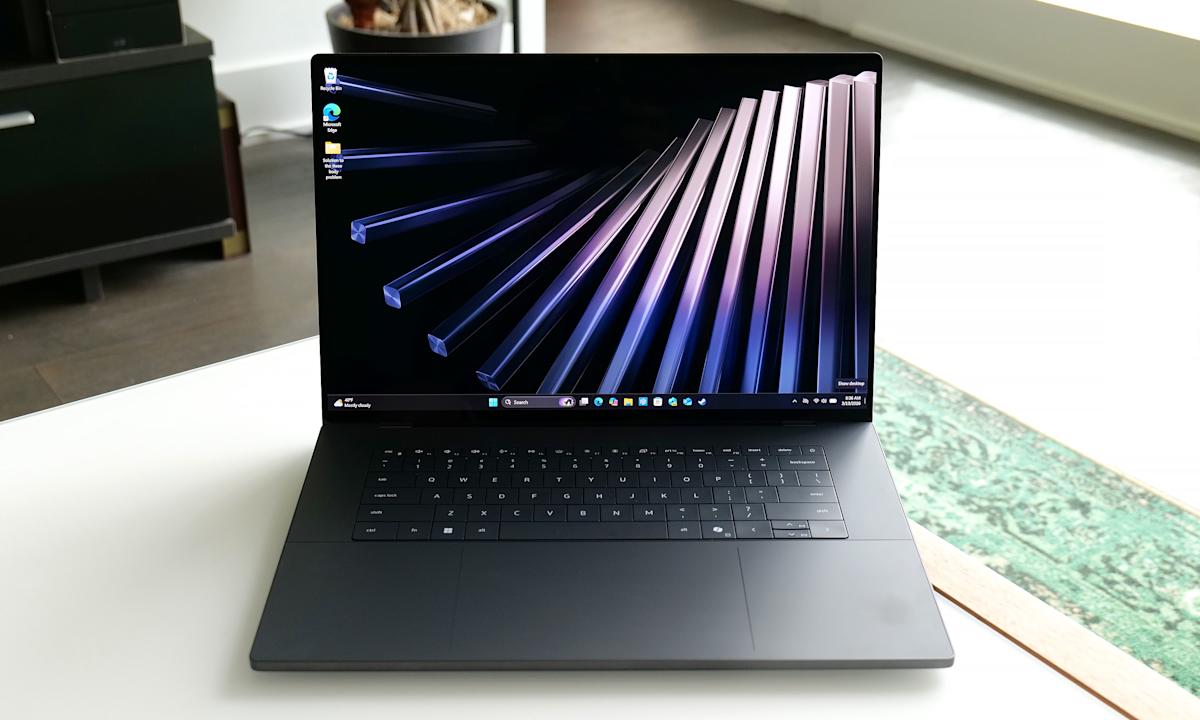
The Dell XPS series has long been synonymous with premium Windows laptops, but recent years saw some controversial design choices that frustrated loyal fans. Fast forward to March 2026, and Dell has listened. The new XPS 16 (2026), unveiled at CES 2026, marks a triumphant return with a refined design, Intel's latest Panther Lake Core Ultra Series 3 processors, and a focus on efficiency that delivers class-leading battery life.
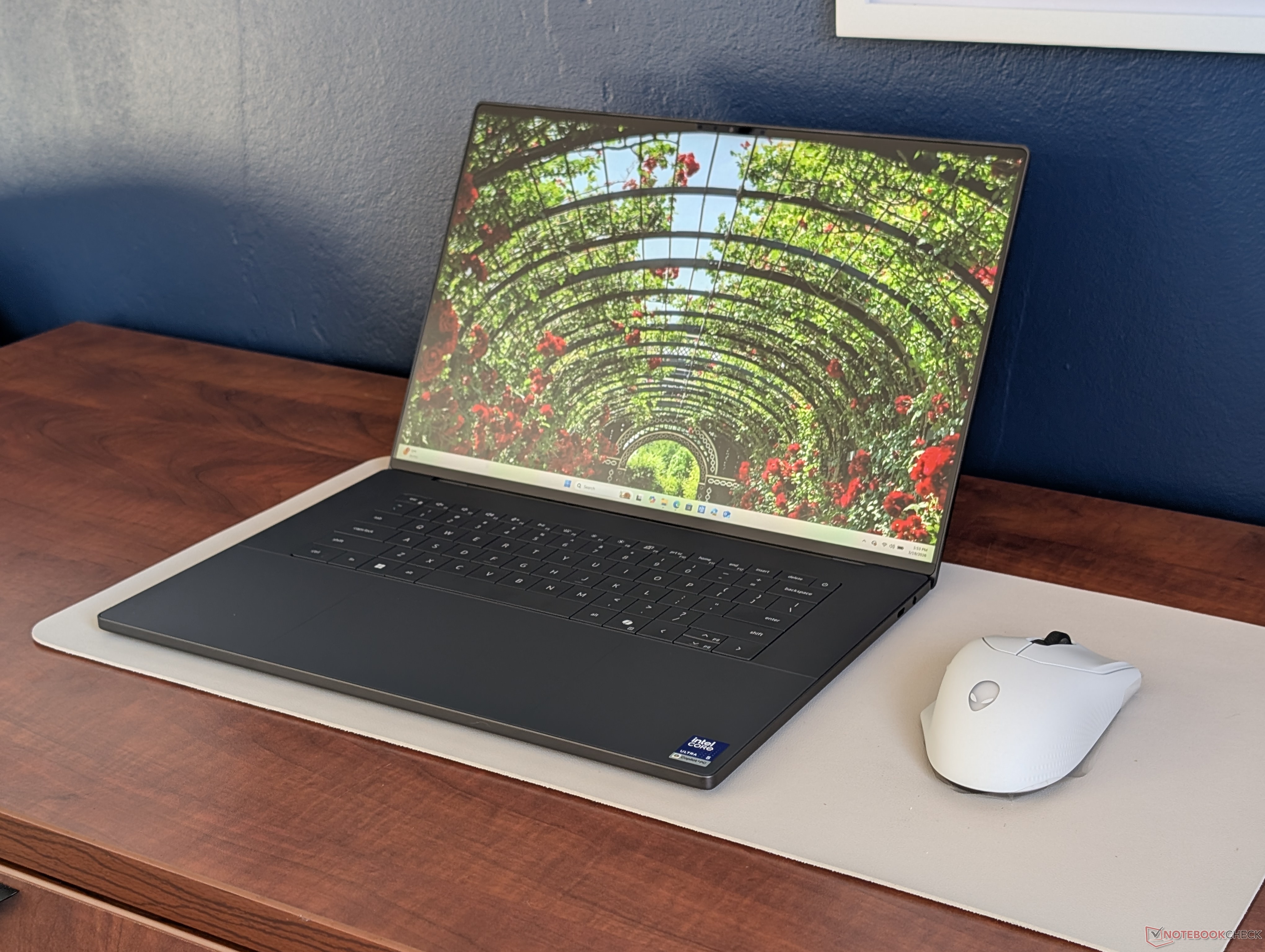 Image: notebookcheck.net
I was eager to evaluate whether this revival lives up to the hype or was just as lackluster like its predecessor. After spending time with the laptop, it's clear Dell has addressed many past complaints while delivering a sleek, capable device. But does it offer enough value in a market dominated by powerful MacBooks and rival Windows ultrabooks? Let's dive in.
Design and Build: Lighter, Cleaner, and More Practical
The 2026 XPS 16 is noticeably thinner and lighter than its predecessors. Measuring just 0.60 inches thick and weighing around 3.85 pounds in the base LCD configuration (about 3.65 pounds with OLED), it's significantly more portable than the previous generation's roughly 4.5-pound build. The CNC-machined aluminum chassis with Gorilla Glass palm rests feels premium and sturdy, though the dark graphite finish does attract fingerprints.
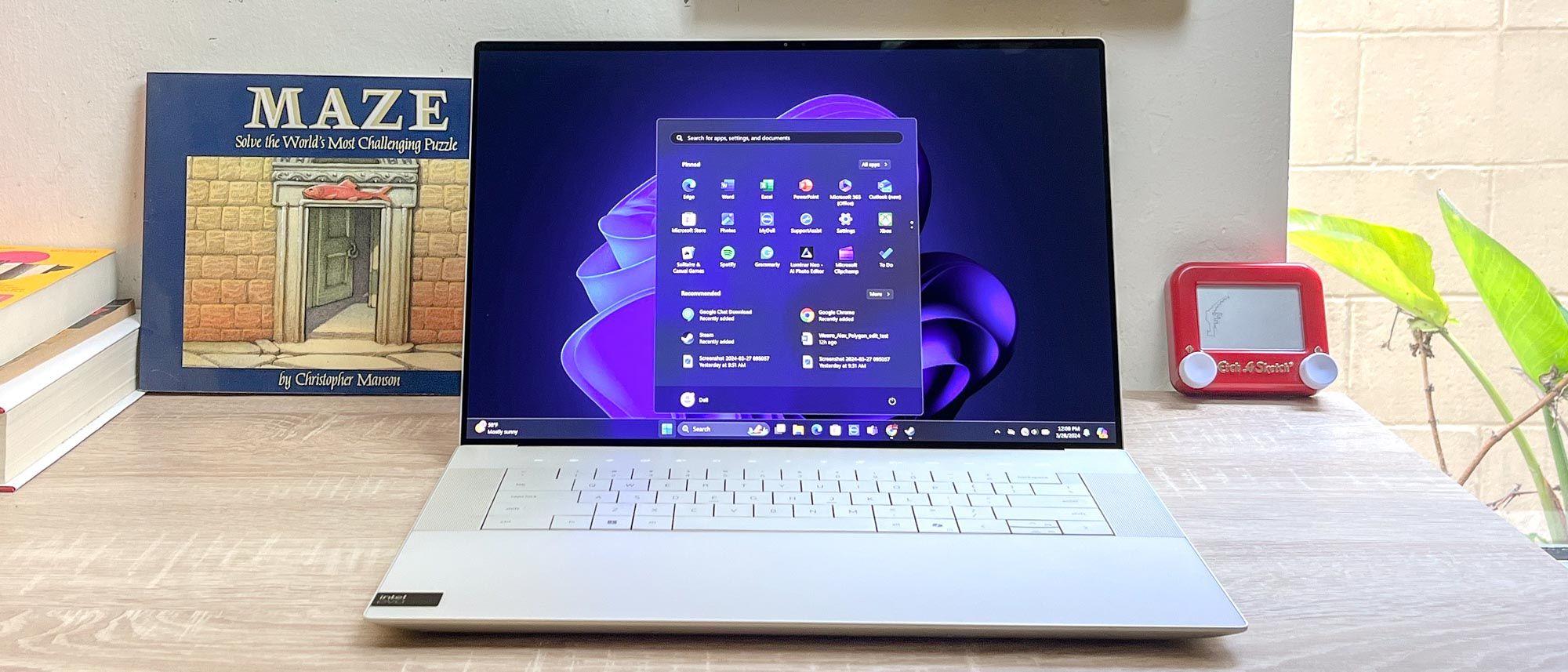 Image: tomsguide.com
Gone are the divisive capacitive function keys and quirky haptic touchpad from earlier models. Dell has returned to a traditional chiclet backlit keyboard with physical keys, which feels far more intuitive and reliable. The touchpad is responsive and large, though some may still prefer more tactile feedback.
One practical tip: If you're a frequent traveler, this laptop's reduced footprint makes it a joy to carry compared to bulkier 16-inch competitors. Sustainability is also improved with 75% recycled aluminum and eco-friendly packaging. However, maintenance requires removing the keyboard deck, making upgrades less straightforward than bottom-panel designs.
- Dimensions: 13.88 x 9.35 x 0.61 inches
- Weight: Starting at 3.84 lbs
- Build: Aluminum with Gorilla Glass accents
Display Options: From Solid IPS to Stunning OLED
The base model features a 16-inch 1920x1200 IPS panel at 120Hz with 500 nits brightness and excellent color coverage (97% sRGB). It's matte, sharp for productivity, and supports variable refresh rates down to 1Hz for efficiency. Upgrade to the 3200x2000 OLED touchscreen for vibrant colors, deep blacks, HDR support, and up to 1100 nits peak brightness in HDR content.
In my testing, the OLED option transforms media consumption and creative work, making it one of the best laptop screens available. Colors pop, and the 16:10 aspect ratio provides ample vertical space for editing timelines or documents. However, the glossy finish can be reflective in bright environments.
Practical insight: For photo and video editors, invest in the OLED if your budget allows—it's worth the premium for accuracy and immersion. The 8MP/4K IR webcam is a big step up for video calls, with solid low-light performance and Windows Hello support.
Performance, Battery Life, and Thermals: Efficiency First
Powered by Intel's Panther Lake processors (Core Ultra 5 325 in base models, up to higher-end X7 variants), the XPS 16 prioritizes performance-per-watt over peak power. With integrated Arc graphics only—no discrete GPU options this generation—the system excels in CPU-bound productivity tasks, web browsing, and light creative work but isn't ideal for heavy 3D rendering or gaming.
Benchmarks show strong multi-core scores in Cinebench (around 11,000 in R23 multi), with excellent efficiency. Gaming is playable at lower settings (e.g., 40+ fps in F1 24 at 1080p medium, or Cyberpunk at ~17 fps ultra with XeSS upscaling), but expect to use external GPUs for serious workloads.
Battery life is a standout: The 70Wh battery delivered over 26 hours of web surfing in tests, while real-world productivity sessions easily exceed 12-15 hours. Higher-end configs with larger batteries push this even further. Fans stay generally quiet, though the chassis can get warm under sustained load (core temps hitting 86-89°C, surface up to 43°C).
Pros for creators: The NPU enables strong AI performance for local tasks like image generation or video enhancement. Tip: Use Dell's Optimizer software to fine-tune power profiles for your workflow—switch to balanced for all-day use or performance mode for exports.
Ports, Keyboard, and Value: Some Compromises Remain
Connectivity is limited to three Thunderbolt 4 ports and an audio jack. No USB-A, HDMI, or SD card reader means carrying adapters for many users—a common complaint for a premium 16-inch machine. Wi-Fi 7 and Bluetooth 6.0 ensure future-proof wireless performance.
Pricing starts at around $1,750 for the base config, climbing quickly to $2,200+ for better processors, more RAM (up to 32GB+ soldered), and OLED. While build quality justifies much of the cost, the entry-level FHD screen and mid-tier CPU on a $1,750 16-incher feels stingy compared to MacBook Pro value.
Compared to Apple's 16-inch MacBook Pro, the XPS 16 is lighter and more efficient but lacks the same port selection and discrete GPU options. It's a strong alternative for Windows users who value the ecosystem and display options.
Verdict: Excellent but Not Perfect
The Dell XPS 16 (2026) successfully rebounds from past missteps with a lighter design, fantastic battery life, improved keyboard, and powerful-yet-efficient Panther Lake silicon. It's a joy for productivity, content creation, and travel, with one of the best screens in the business.
However, the lack of discrete graphics, warm thermals under load, limited ports, and high price tag hold it back from perfection. If your workflow is CPU and AI-focused rather than GPU-intensive, this is a top-tier choice. For gamers or heavy 3D users, consider alternatives with dedicated GPUs.
A worthy flagship that recaptures the XPS magic while embracing modern efficiency priorities.